

Last updated: June 2026
Your best customer just canceled without warning. No email. No support ticket. No awkward "can we jump on a call?" Slack message. Now you're frantically digging through usage dashboards you haven't touched in weeks, trying to work out what went wrong.
That's what flying blind looks like. Product data lives in silos, customers drift away quietly, and by the time churn shows up, it's already done.
To stop the cycle, you need solid analytics or a customer data platform in place before churn prediction tools can do anything useful. Once that foundation exists, these platforms get to work. They connect to your product data, map user actions to company accounts, assess retention risk based on behavior patterns, and flag early warning signs – turning raw usage events into clear, actionable signals your team can respond to now.
In this guide, we'll unpack how churn prediction really works, and how to align your data maturity, team setup, and churn drivers with the right tools so you don't get caught out at renewal time.
How churn prediction software works
User actions become account scores
Every click, export, and login rolls up to the company account—because in B2B, the customer is the business, not the individual user. To get going, you need a single upstream source such as a customer data platform like Segment or product analytics like Amplitude, alongside core account data like contract value and renewal dates. From there, events are weighted by value, so exporting a report matters more than a simple login. The result is a clean 0–100 score that makes sense at a glance, no statistics degree required.
Flag risks before renewals
Instead of relying on blunt averages, the software compares what's happening now to each account's own historical baseline using drift detection. That's how it spots things like champion churn – when a key sponsor goes quiet even though overall usage looks fine. Weighted scores drop as soon as behavior shifts, while raw event counts can sit there looking deceptively healthy. The upside is time: risks are flagged 60–90 days before renewal, giving you room to intervene without a last-minute panic.
Spot expansion opportunities
It's not all about risk. Sudden jumps in user invites or deep adoption of premium features often signal buying intent and automatically alert account managers. Trial behavior can also reveal when an account is quietly warming up to expand. Because scores update as CSMs take action, you can see which playbooks actually move the needle (and which ones don't), closing the loop between effort and outcome.
Shows why scores changed
Behind every score is context. Product usage is blended with support ticket sentiment, payment behavior, and relationship health, and alerts explain the change in plain language – "Score dropped to 45 because your champion hasn't logged in for three weeks" – rather than tossing a mystery number at you. Seasonality is accounted for to avoid false alarms during predictable slowdowns, and risks are prioritized by both severity and revenue impact, so teams know where to focus first.
11 customer churn prediction tools
Here are 11 of the best customer churn prediction tools, grouped by what they're best at.
Accoil
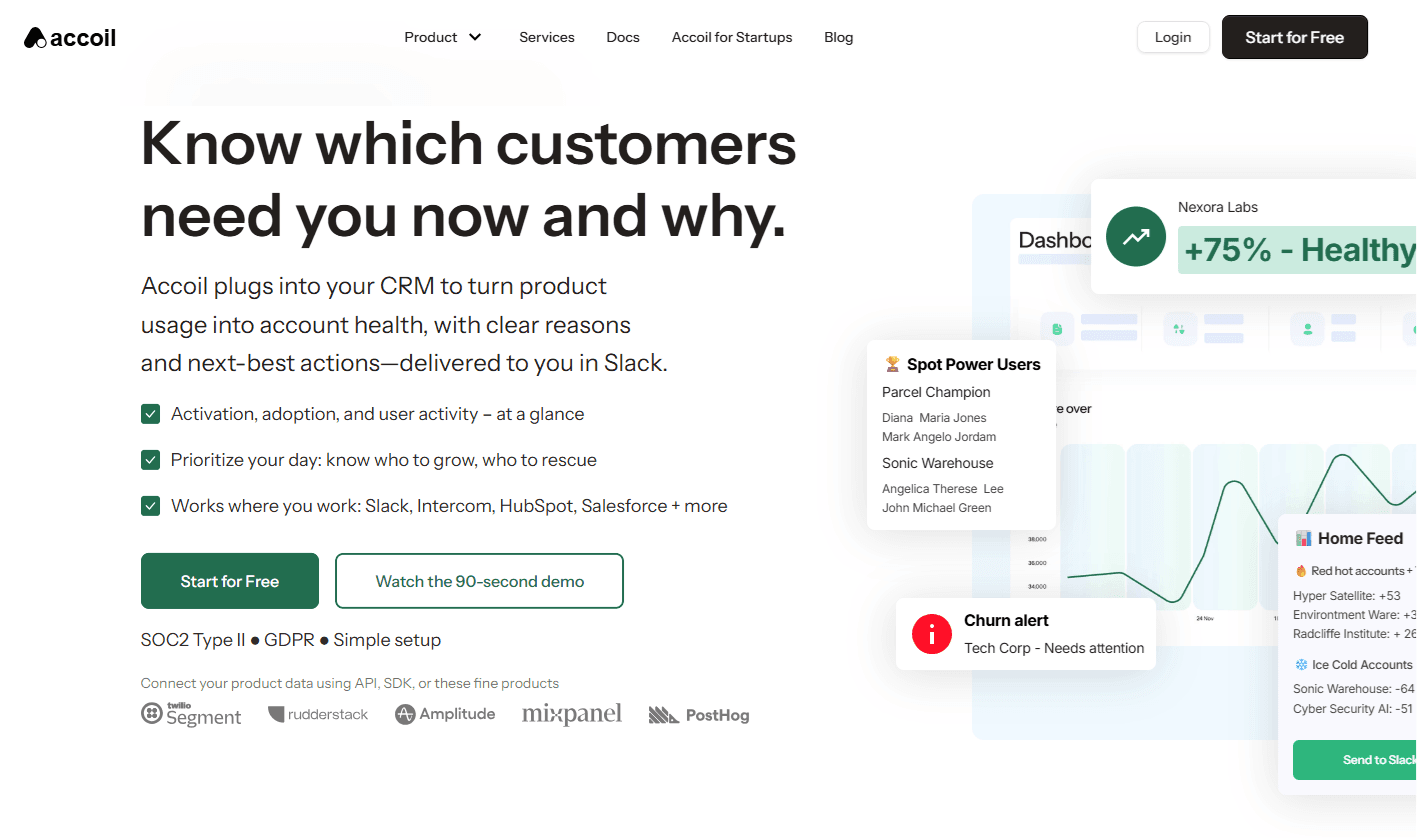
Accoil turns product usage into simple 0–100 scores using seven opinionated metrics that matter for B2B retention. It's a churn prediction tool built specifically for B2B SaaS, where value sits at the account level, rather than the individual user.
Behind the scenes, Accoil connects to your product data and rolls user actions up to company accounts, scoring engagement based on weighted behaviors. Then, instead of living in yet another dashboard, your team gets churn-risk alerts straight into Slack, complete with plain-English context explaining what changed and why.
Setup is quick, too: plug in your existing Segment or Amplitude data and you're live in minutes, with no engineering work required. And as soon as you connect, Accoil retroactively scores the past 90 days, so you're not stuck waiting for fresh data to roll in.
The best part is scoring stays firmly in the hands of your customer-facing teams – CSMs, sales, account managers, support, and marketing – without needing engineering or analyst help. Through the UI, they weight events by the value they represent – exporting a report might be worth 10 points, while a simple login gets 1. There's no SQL, no analyst queue, and no guesswork. Because the platform is account-first by design (not a B2C tool awkwardly repurposed), changes in real engagement show up fast, making it easy to intervene and stop churn before it starts.
Pricing starts at $50/month, with a 30-day free trial to get you going.
UserMotion
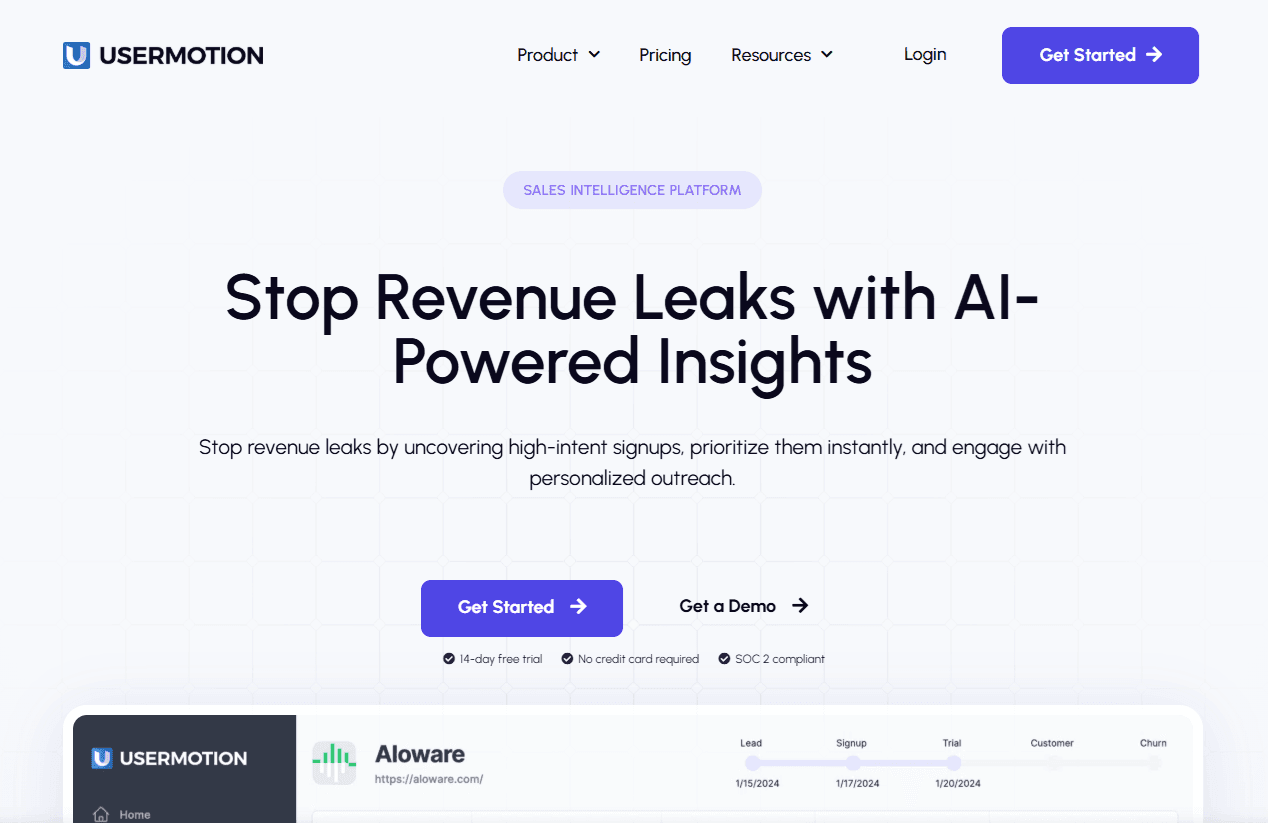
UserMotion tracks growth signals like upsell readiness and trial conversion rather than churn risk.
Best for: Product-led growth teams focused on free-to-paid conversion health.
What makes it different: UserMotion is all about expansion. It's strong at spotting which free users will convert and which customers are primed for upsells, but it won't flag accounts drifting toward churn. You'll need another tool for retention risk.
Journy.io
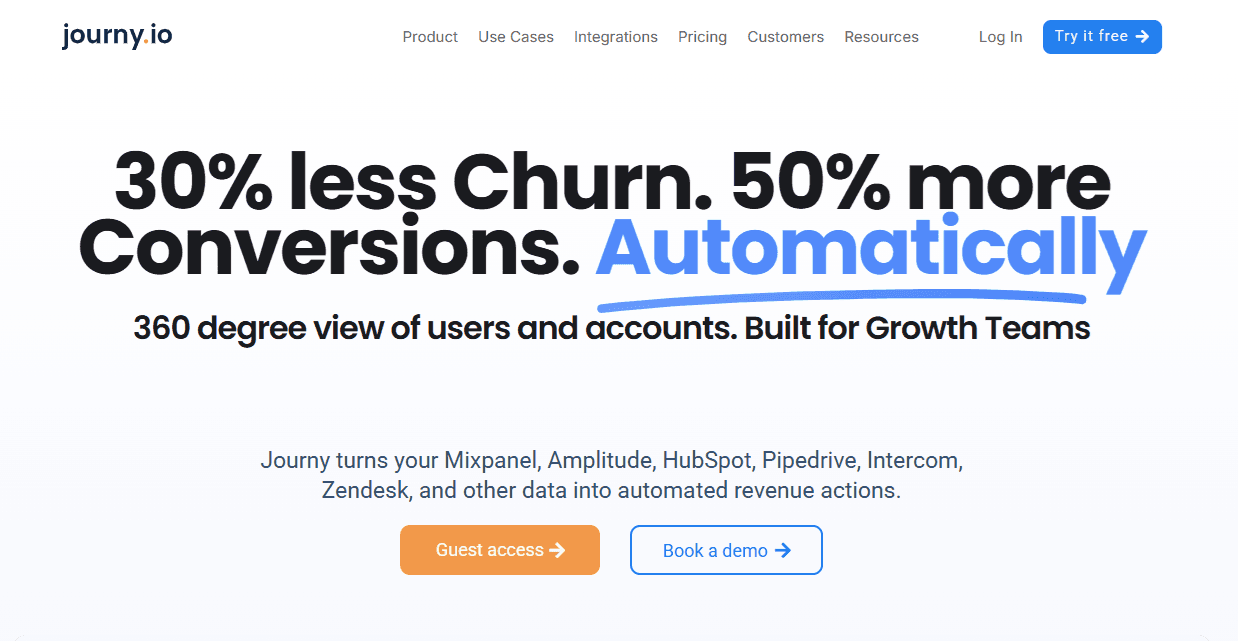
Journy.io scores account health with HubSpot-first integration and bidirectional sync.
Best for: HubSpot-centric teams needing automatic field mapping.
What makes it different: Native HubSpot integration pushes health scores, segments, and alerts straight into HubSpot properties, removing the need for middleware or webhooks. The trade-off is you're locked into HubSpot. Salesforce or multi-CRM teams will hit limits quickly.
Custify
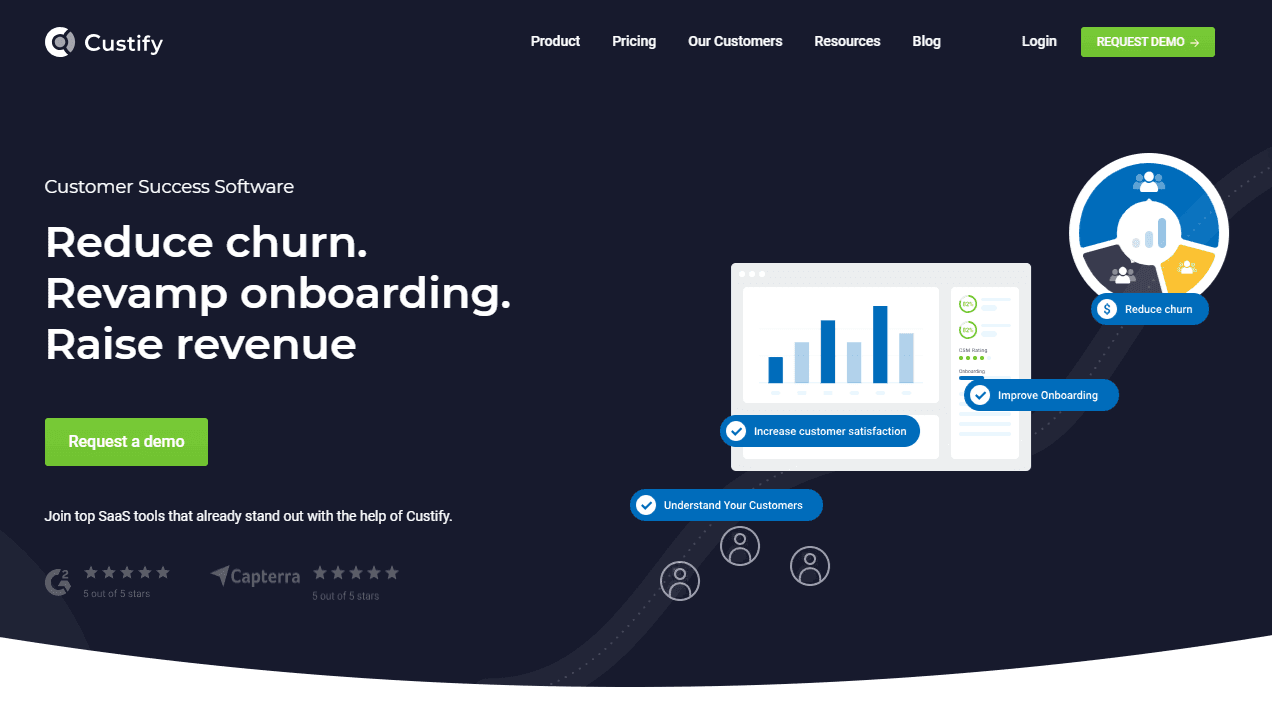
Custify offers lightweight health scoring with basic playbook automation.
Best for: Teams managing 30–100 accounts who want simple workflows alongside scoring.
What makes it different: Custify sits between analytics layers and full enterprise platforms. You get health monitoring plus basic automation – emails, tasks, Slack alerts – but without Gainsight-level complexity. Setup is fast, but advanced conditional logic is limited by design.
Vitally
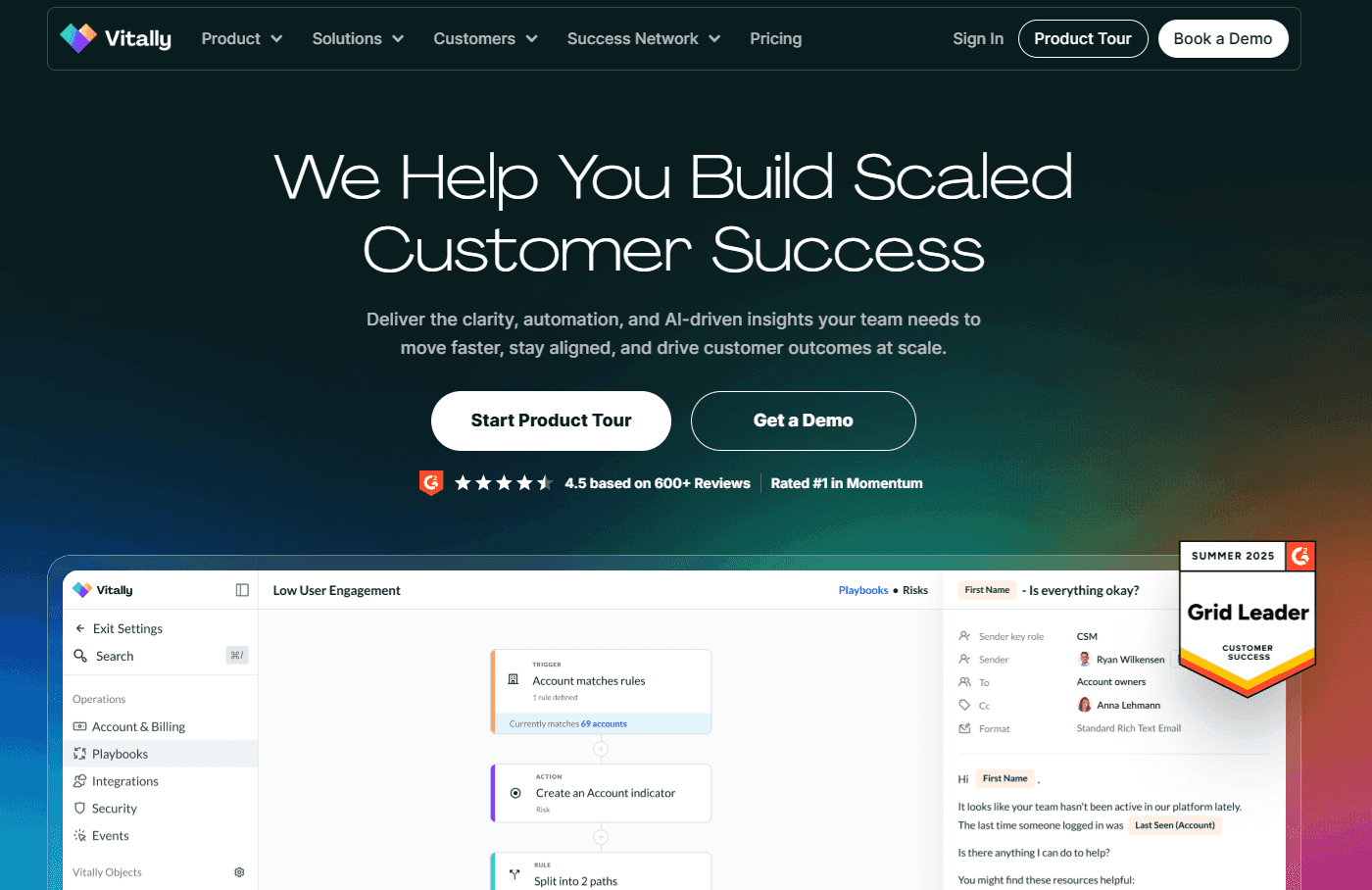
With Vitally, you get configurable health scores with flexible data models for complex product portfolios.
Best for: Mid-market teams with 5–15 CSMs managing multi-product accounts.
What makes it different: Vitally handles complex account structures well – multiple products, differing health definitions, and hierarchical relationships. That flexibility requires careful configuration, though, often with analyst support. But, once set up, it manages the complexity many tools struggle with.
Catalyst
Catalyst offers health scoring with quarterly business review templates, journey mapping, and stakeholder tracking (now part of Totango).
Best for: Teams running structured QBRs that need presentation-ready outputs.
What makes it different: Built around the QBR workflow, Catalyst excels at executive mapping and stakeholder tracking. It favors scheduled, strategic reviews over real-time alerts, so teams needing instant churn signals may find it slower.
Planhat

Planhat is a European platform with native Snowflake and BigQuery connections.
Best for: Data-mature teams with existing warehouse infrastructure.
What makes it different: Planhat connects directly to your data warehouse instead of relying on a central digital platform. This reduces stack complexity and improves data lineage… if you already run Snowflake or BigQuery. Without that foundation, it's overkill.
Gainsight
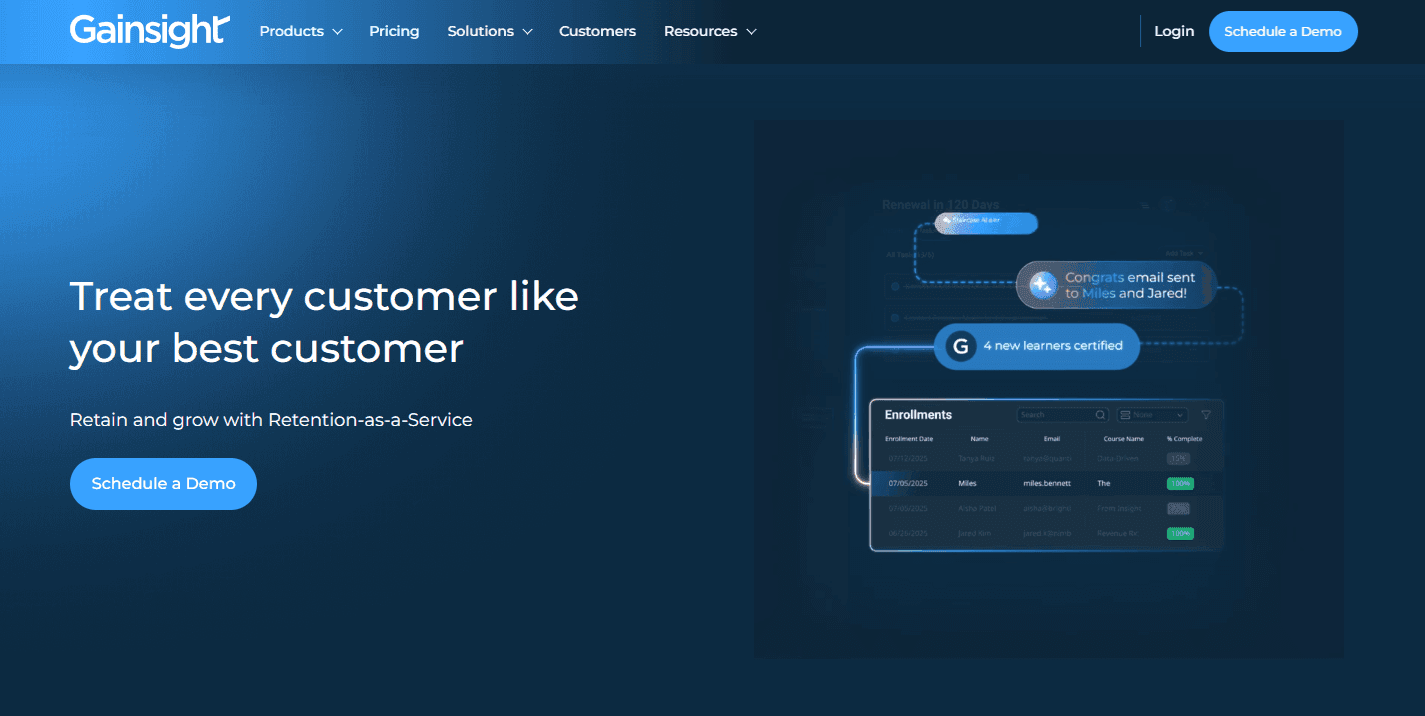
Tools like Gainsight (and ChurnZero) are popular among enterprise platforms because they combine health scoring, playbooks, surveys, renewals forecasting, and executive reporting.
Best for: 20+ CSM teams with dedicated CS Ops and long implementation timelines.
What makes it different: Gainsight offers the broadest feature set in the category. The cost of that depth is complexity: 3–6 month implementations, pricey annual tiers, and the need for a CS Ops owner. Powerful at scale, excessive for smaller teams.
ChurnZero
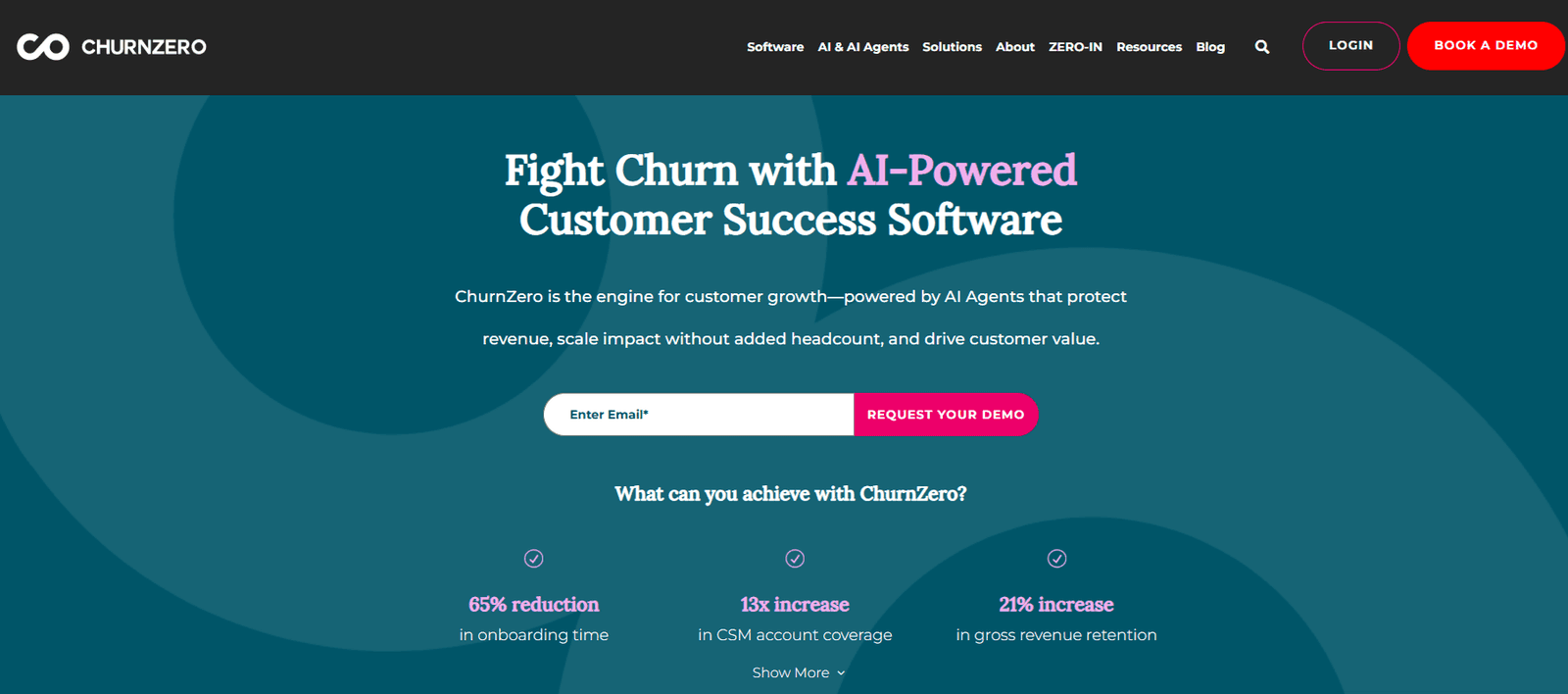
ChurnZero provides real-time event processing with in-app messaging.
Best for: Enterprise SaaS with complex contracts and heavy Salesforce usage.
What makes it different: ChurnZero reacts in real time, triggering alerts, emails, and in-app messages the moment behavior shifts. That power depends on clean instrumentation and data to avoid alert fatigue. Nonetheless, that native in-app messaging offers a powerful way to keep outreach inside the platform.
Pendo
Churn prediction add-on for existing Pendo customers.
Best for: Teams already using Pendo who want health scoring without new tooling.
What makes it different: Pendo's churn module reuses existing instrumentation, reducing setup and integration work. It's convenient, but standalone churn tools typically offer deeper scoring and more flexibility if you're evaluating from scratch.
InMoment
InMoment is a survey-led platform with optional behavioral scoring.
Best for: Teams starting with sentiment data before layering in product usage. InMoment offers entry-level sentiment tracking at lower price points.
What makes it different: InMoment starts with NPS and CSAT, then adds behavioral signals later. This suits teams without product analytics or where relationship quality outweighs usage. The downside is timing – surveys reflect past sentiment, while behavioral data shows what's happening now.
Evaluating tools and your readiness
When it comes to choosing a churn prediction tool, start with account-first data models that track companies rather than individual users. Add configurable scoring weights your CSMs can tweak without engineering help, alerts that land straight in Slack and your CRM, and setup times under two weeks for early-stage teams. These are the tools that deliver value fast, rather than gathering dust after a long implementation.
Match cost to your stage
Under 50 employees: Keep it simple. You need basic scoring and a quick setup. One CSM can't run complex automation, and you don't have CS Ops to monitor enterprise software. The goal is to know which accounts need attention this week.
Between 50–200 employees: Segmentation matters. Enterprise accounts expect white-glove treatment; startups want efficient self-service. Your platform should let you define segments and apply different health scoring logic to each, without spinning up separate systems.
Over 200 employees: You need automation that actually scales. Manual playbooks fall apart when 20 CSMs are managing enterprise portfolios across time zones. Look for tools that trigger interventions automatically, route risk to the right people, and keep your CS motion consistent.
Once you've aligned the tool to your size and setup, the real question becomes what that choice unlocks in practice. Usually, the main business benefits of investing in churn prediction software are:
- You spot at-risk accounts 60–90 days before renewal, giving you time to intervene instead of reacting to last-minute cancellations.
- That buffer protects revenue and lets CSMs diagnose issues, deliver training, and rebuild engagement calmly.
Stop churn before it starts
Accoil gives CS teams a clear, defensible view of account health, so effort goes where it actually protects revenue.
See how Accoil prioritizes at-risk accounts →Rules-based vs. machine learning
There are a few different types of models used for churn prediction:
Rules-based models use point values you define – "Report exported" equals 10 points, "Login" equals 1. Machine-learning models analyze historical churn data to produce statistical probabilities of future churn.
ML surfaces non-obvious patterns, like specific feature-usage sequences that tend to precede cancellation. These signals are easy to miss at an account level but become clear across thousands of customer lifecycles.
Rules-based systems can be live in days, with transparent scores that anyone can explain. They work with as little as 90 days of data, making them practical for younger companies. Whereas ML systems need 12+ months of clean churn data and weeks of validation before you trust the output. Although they can shine at long-range forecasting, they demand stronger data foundations and patience.
Check your data quality
Account IDs must align across your product, CRM, and billing systems. If they don't, you'll score the wrong users against the wrong accounts, and your health scores will fall apart. Event naming also needs to stay consistent – schema changes break historical baselines and wreck drift detection. If your tracking changes every month, fix that first. No churn platform can rescue chaotic data.
Take action on churn this week
You know your tier; now act on it.
Under 50 employees? Favor fast setup and clear, transparent scoring. Between 50–200? You'll want segmentation that doesn't demand a full-time CS Ops function. Over 200? Enterprise-grade automation with proper implementation support is non-negotiable.
Before you book any demos, sanity-check the fundamentals: do account IDs line up across systems, is your product analytics or CDP sending clean event data, and is there a clear owner for configuration?
Choose well, and you unlock a critical 60–90 day intervention window. That's the difference between scrambling after churn and getting ahead of it.
Ready to start? Book a demo with Accoil to see weighted scoring tailored to your product, or schedule a call to discuss your specific setup and data readiness.